Translate your Amazon listing images for amazon.nl.
Dutch shoppers read English comfortably, but they reward a listing that made the effort to speak Dutch, and on a younger catalog, that effort stands out. Fetch your listing by ASIN and get the whole gallery back translated, layout untouched.
On amazon.nl, a Dutch gallery is still a rare enough thing to notice.
Amazon Netherlands is a newer, smaller catalog than Germany or France, which cuts both ways: fewer competitors have bothered to localize their images, so a fully Dutch gallery stands out more than it would anywhere else.
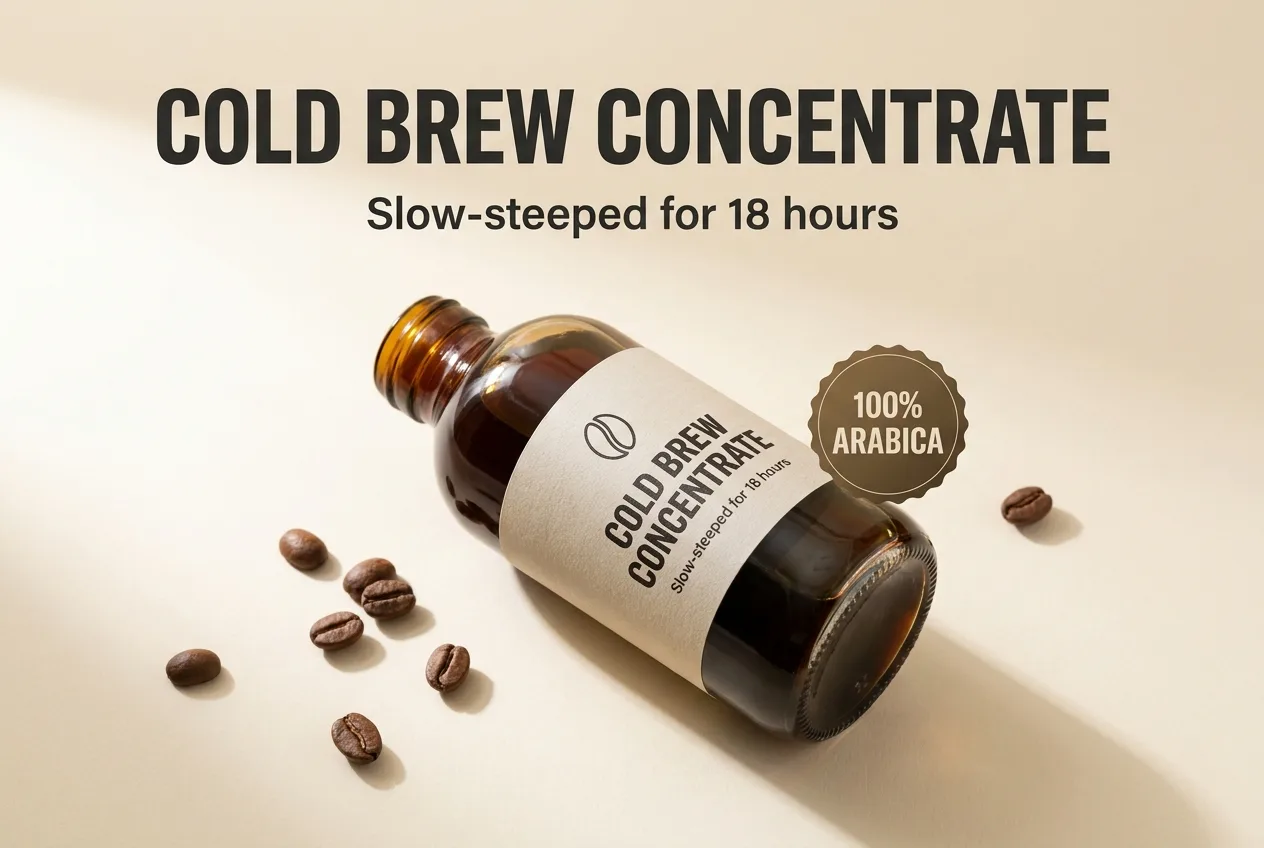
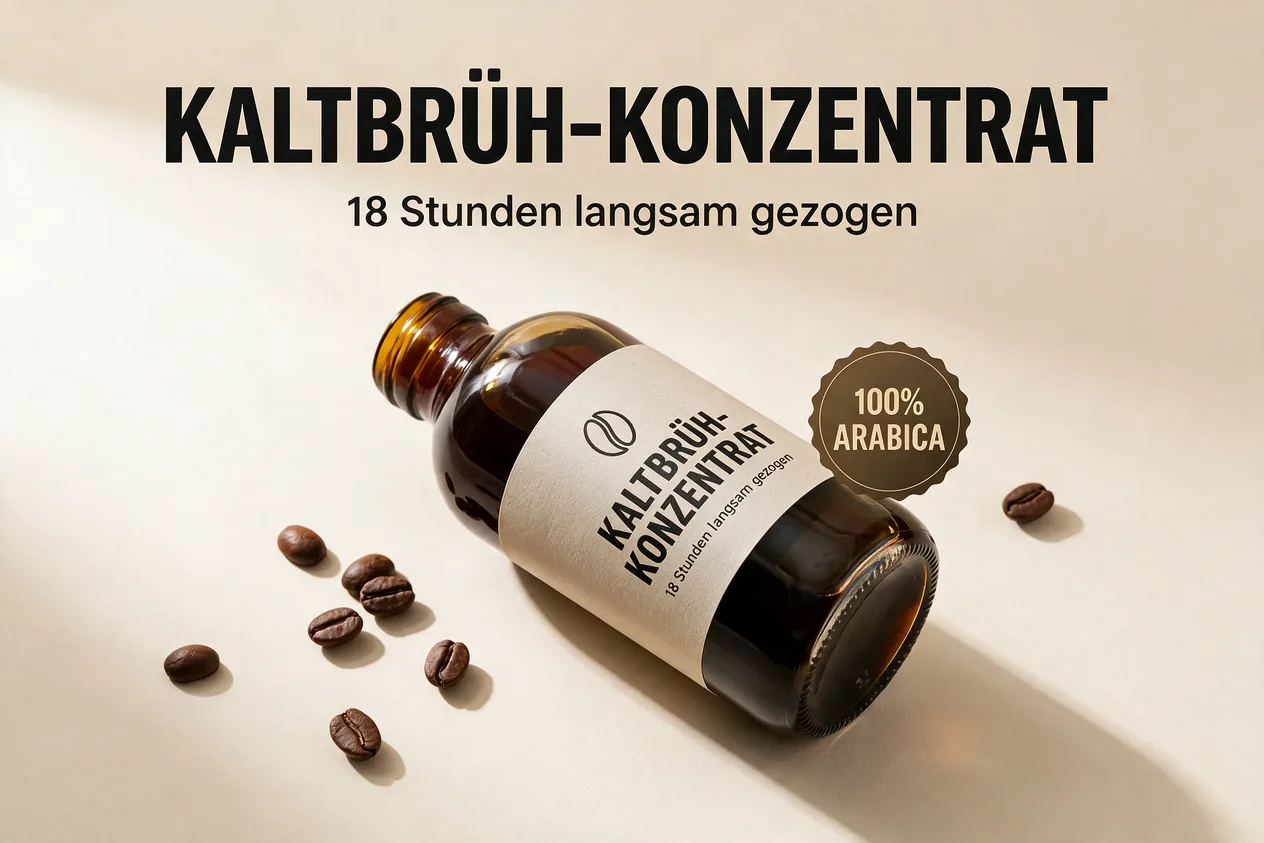
A real pair from this tool: the same infographic translated in place (German shown). Dutch works exactly the same way.
How it works
Paste an ASIN; the image gallery loads in seconds.
Any of 9 marketplaces. Each variant is produced from your original image.
Files named per marketplace, ready to upload through Seller Central.
Frequently asked questions
No. ListingTranslate never connects to your seller account; it produces translated image files for you to download and upload through Seller Central yourself.
Paste your ASIN and the listing’s gallery loads automatically. Pick the images and marketplaces, and each variant is produced from your original image.
Yes, select the Netherlands alongside any of the other 8 marketplaces and the ZIP comes back with files named per marketplace, e.g. amazon.nl/B0XXXX.1.png.
Your first image is free. Sign in, no card required. After that, credit packs work out to roughly $0.46–$0.60 per finished image.