Translate Shopify or Etsy Listing Images: A 90-Second Workflow
If you sell on Shopify or Etsy and you've turned on multilingual selling, it's easy to assume translation is handled. Shopify Markets localises your storefront copy; Etsy machine-translates your titles and descriptions for buyers browsing in other languages. Your words reach shoppers in their own language, and the store feels localised. Then a buyer in Berlin opens a listing, reads a clean German description, and scrolls into a size guide, a care card and a promo banner that are all still in English. The store translated your text. It never touched your pixels, and pixels are where half your selling actually happens.
The gap Shopify Markets and Etsy translation leave
Both platforms translate the same thing: structured text fields stored in a database. Titles, descriptions, product options: those are strings, so they're straightforward to swap per language. What neither can translate is text baked into an image. A size chart you exported as a PNG, a "hand wash cold" care card, a "Free shipping over €50" banner, an ingredients panel: to Shopify and Etsy these are flat pictures, not text, and a picture shows the same way to every buyer regardless of their language setting.
That leaves a specific, visible gap: the most decision-critical parts of a listing (the exact measurements, the material details, the offer) sit inside images that stay in your original language while everything around them localises. For a Shopify store that's often a size guide or a spec graphic; on Etsy it's frequently a care instruction card or a personalisation guide. The platform-specific breakdowns live on the Shopify product images and Etsy listing images pages, but the shape of the problem is the same on both: translated words, untranslated images.
A 90-second workflow per image
Closing that gap doesn't need a designer or your original design files. The workflow is three steps.
- Upload the finished image. Drag the exported JPG or PNG onto the tool, the same file already live on your listing. No source file, no layers, no fonts required.
- Pick your languages. Choose every target language you want at once. You aren't editing the picture by hand; you're naming the languages and letting the tool remake the image with the text translated in place, keeping the font, colours and layout intact.
- Download the set. A minute or two later you get finished images back, one per language, ready to add to your listing.
The important detail is how the batch behaves: each language variant is produced independently from your original image. The German version and the French version are both remade from the same source, in parallel; the tool never translates a translation. That keeps every language clean and stops a busy label in one from bleeding into another.
Here's what a single image looks like moving into another language, English text remade in Japanese, the layout untouched:
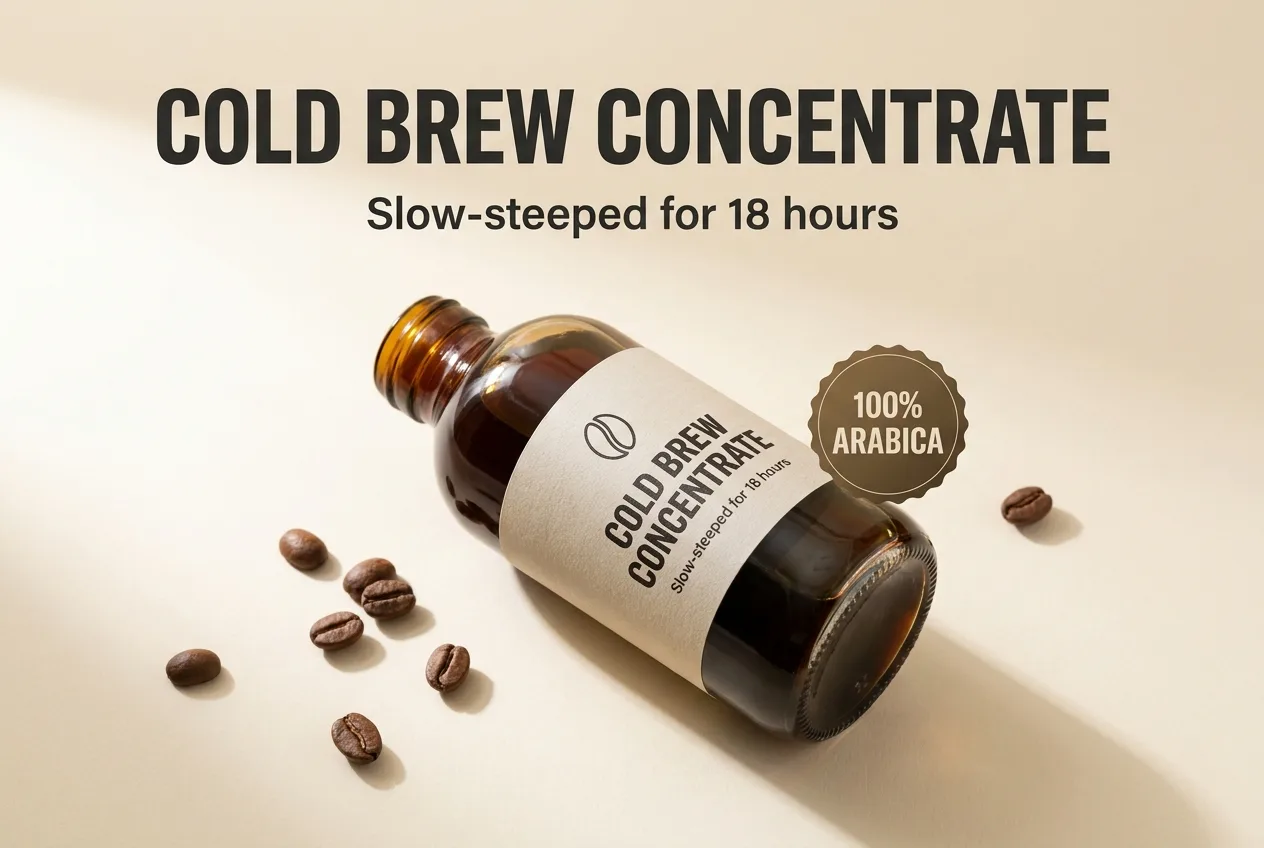
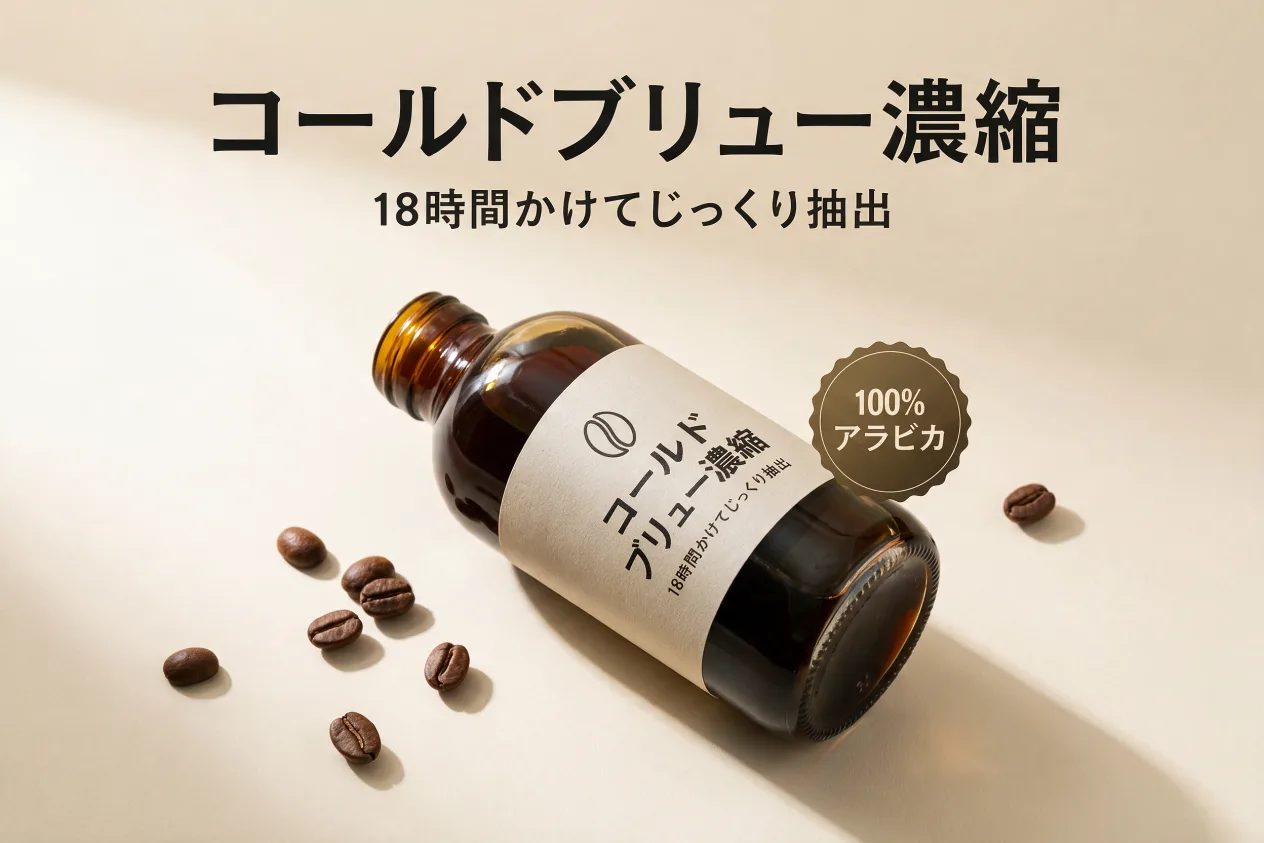
Same photo, same composition, same typeface weight. Only the language changed. That's the whole workflow, repeated once per image that carries selling text.
Which languages are worth it
You don't have to translate into everything. Look at where your traffic and orders already come from, then localise the images that close those sales. For most Shopify and Etsy sellers expanding out of English, a few languages cover the majority of international buyers.
French is a strong first move: French-speaking shoppers show a clear preference for buying in their own language, and an English care card stands out. Spanish opens a large buyer base across several markets, though it's worth matching the variant to where your customers are. And German buyers tend to read the details closely, so a fully translated size guide pulls real weight there. Start with the one language your order data already points to, prove the result on a single image, and add the rest once you've seen it work.
A useful way to prioritise: rank your listing images by how much a buyer needs to read them before ordering. A size guide or a spec panel is nearly a hard requirement (a shopper who can't read it usually won't risk the purchase), so those come first in every language you sell into. A decorative banner with a tagline matters less and can wait. Translating in that order means the images doing the heaviest persuading are localised first, and you spend on the pictures that actually convert rather than the ones that just decorate.
Keeping a multilingual image set organized
Once you're translating several images into several languages, the file count grows fast, and a tidy naming scheme saves you from uploading the wrong picture to the wrong listing. The tool does the organising for you: a generic batch downloads as a ZIP with each file named {name}.{lang}.png: the original image name, then the language, then the extension. Your sizeguide.png comes back as sizeguide.de.png, sizeguide.fr.png, sizeguide.es.png, so which file belongs to which language is never a guess.
From there, keep one folder per storefront (a Shopify folder, an Etsy folder) and drop each batch's ZIP contents in. When it's time to update a listing, you're pulling from a clearly labelled set instead of hunting through a downloads folder full of near-identical images. It's a small habit that keeps a growing multilingual catalog manageable.
A localised store that still shows English size guides and care cards is doing most of the work and stopping just short of the finish line. The images are where buyers check the details they need before they commit, so translating them is what makes a multilingual listing actually feel native. Your first image is free. Sign in, no card required. Drop a size guide or care card onto the tool, pick a language, and see one of your own images translated before you localise the rest.