Change the price or promo text in an image in seconds.
The sale changed and the banner still shows the old price. Type the old number and the new one: the drop shadow, the font weight and the layout come back identical.
A price change shouldn’t mean rebuilding the whole banner.
Promotions move faster than design queues: a price drops, a "20% off" becomes "30%", a "Black Friday" tag needs to read "Cyber Monday", and every one of those is a number burned into a finished graphic, not a text field you can edit.
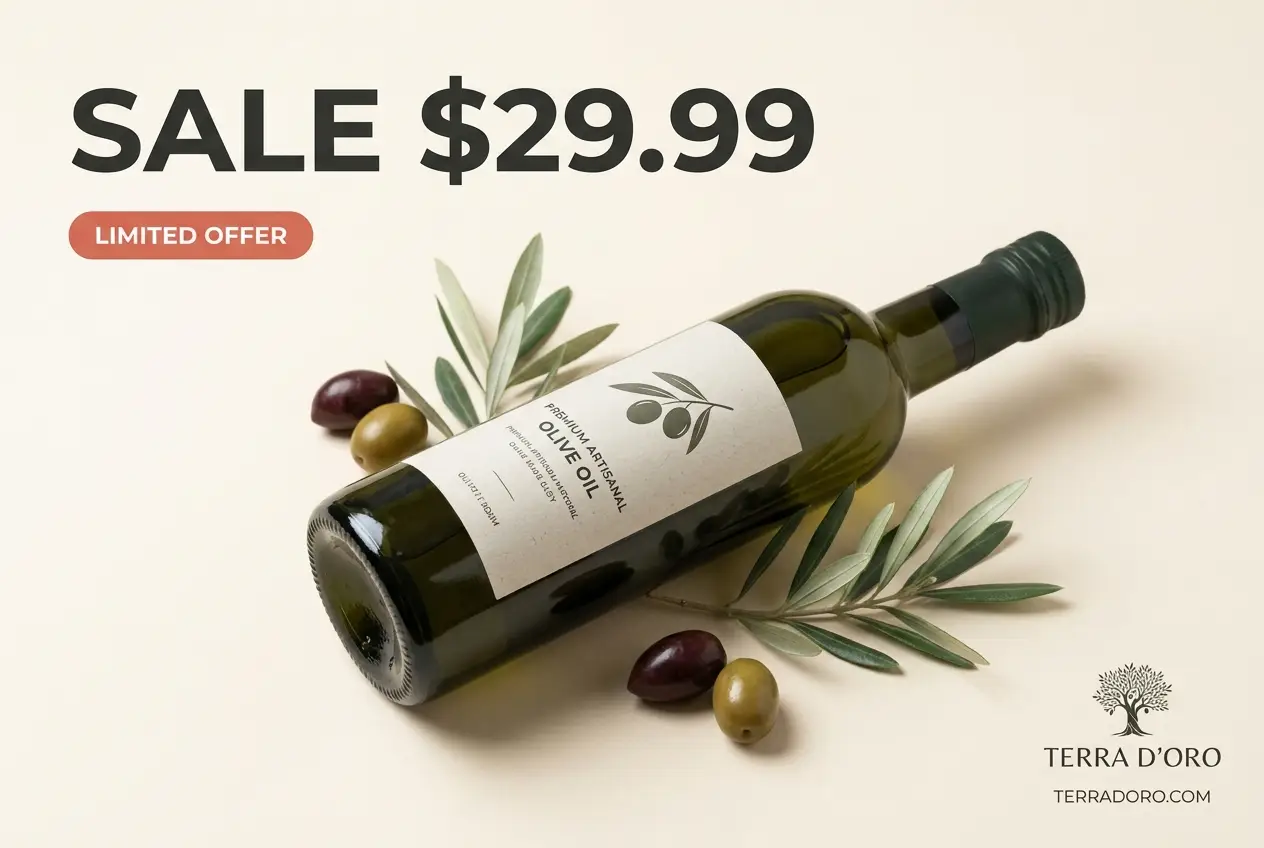
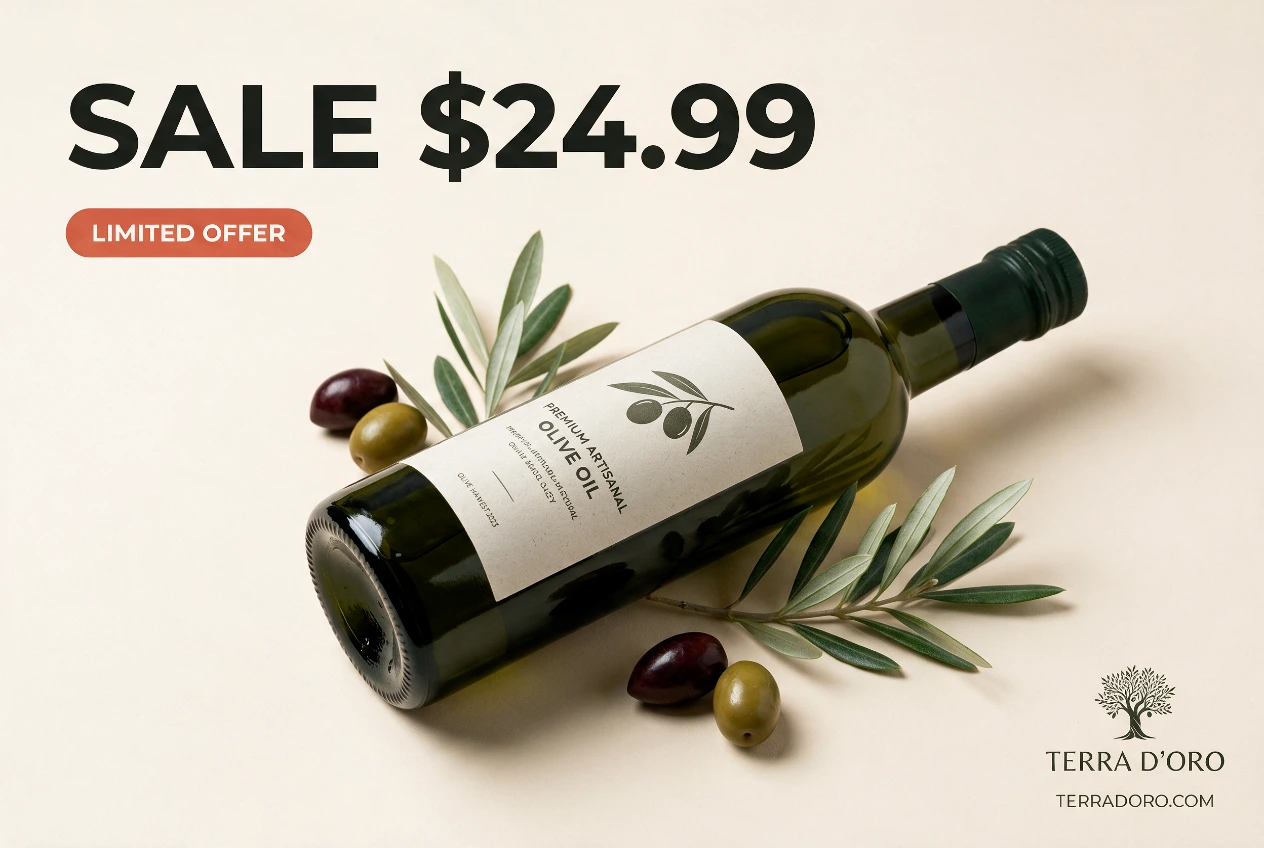
A real find & replace pair from this tool: the price swapped, everything else identical.
How it works
PNG or JPG, the finished file. No source files, no fonts, no design tool.
Enter the exact text to swap, or describe the edit in plain words.
Same font, color and layout: only the words you named are different.
Frequently asked questions
For a text-only change, yes. You never open a design tool or hunt for the original file. You type the old price and the new one and download the result.
Yes. The swap is literal, so "$29.99" becomes "$24.99" in the same style. For a different currency or format, just type it as the replacement.
Yes. Add more than one find-and-replace pair and each exact string is swapped in the same pass, layout untouched.
Your first image is free: sign in, no card required. After that, one-time credit packs run roughly $0.46–$0.60 an image.