Change the text in a product photo. No source file needed.
The supplier sent a finished JPG, a claim on it is wrong, and nobody has the layered file. Upload the photo, type the old text and the new text, and get it back with only the words changed.
The photo is final, the text is wrong, and the source file is gone.
Product photography arrives as flattened JPGs from a supplier or a shoot months ago: the callout that says "12 oz" now ships as 10, the "BPA-free" badge needs a new claim, and the PSD that could fix it never existed on your side.
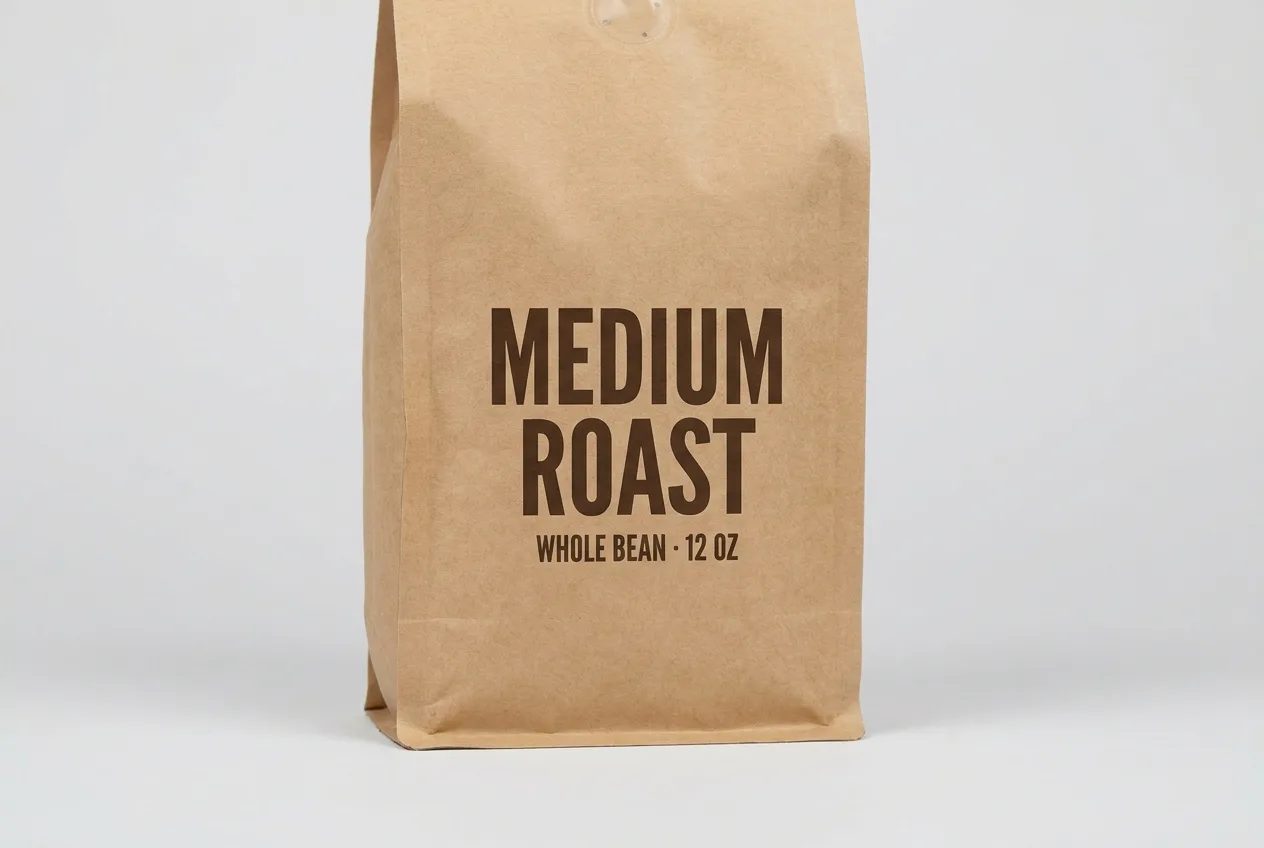
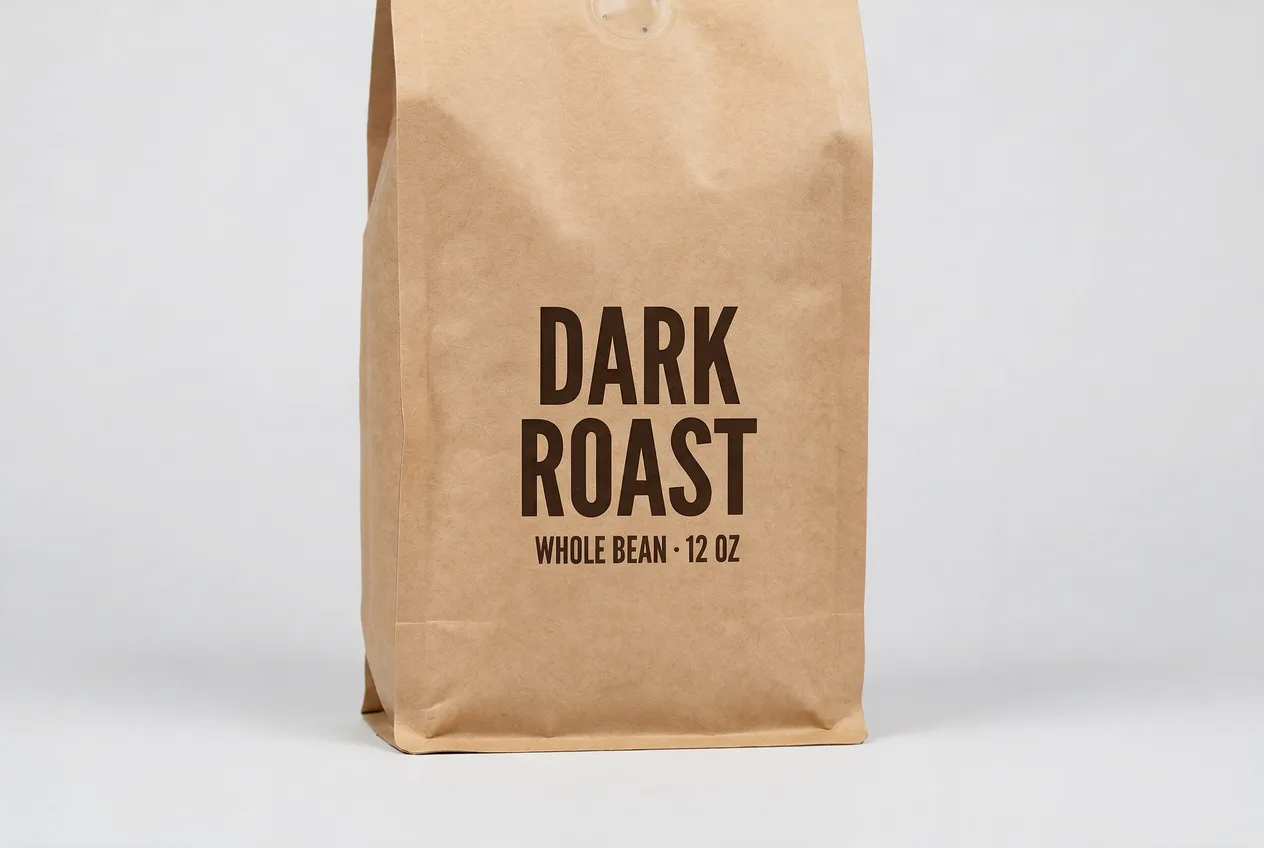
A real pair from this tool: the claim on the bag changed, the photo and font untouched.
How it works
PNG or JPG, the finished file. No source files, no fonts, no design tool.
Enter the exact text to swap, or describe the edit in plain words.
Same font, color and layout: only the words you named are different.
Frequently asked questions
No. It never connects to any store or marketplace: you download the corrected photo and upload it wherever your listing lives.
That’s exactly the case this is built for. It works from the finished JPG or PNG: no PSD, no fonts, no original assets needed.
Yes. The photo is regenerated so the new words take on the same typeface, weight and position. Check the result; if it’s off, retrying is free.
Your first image is free: sign in, no card required. After that, credit packs come to about $0.46–$0.60 per finished image.