Edit text in an image and keep the exact same font.
Erasing text and retyping it never matches: the font is subtly off and the fix looks fake. This regenerates the image so the new words sit in the original typeface, weight and color.
The tell of a bad edit is a font that doesn’t quite match.
Anyone can white out the old text and type over it, and it always shows. The substitute typeface is a shade too heavy, the letter spacing is wrong, the color is a hair off, and the whole image suddenly reads as tampered-with.
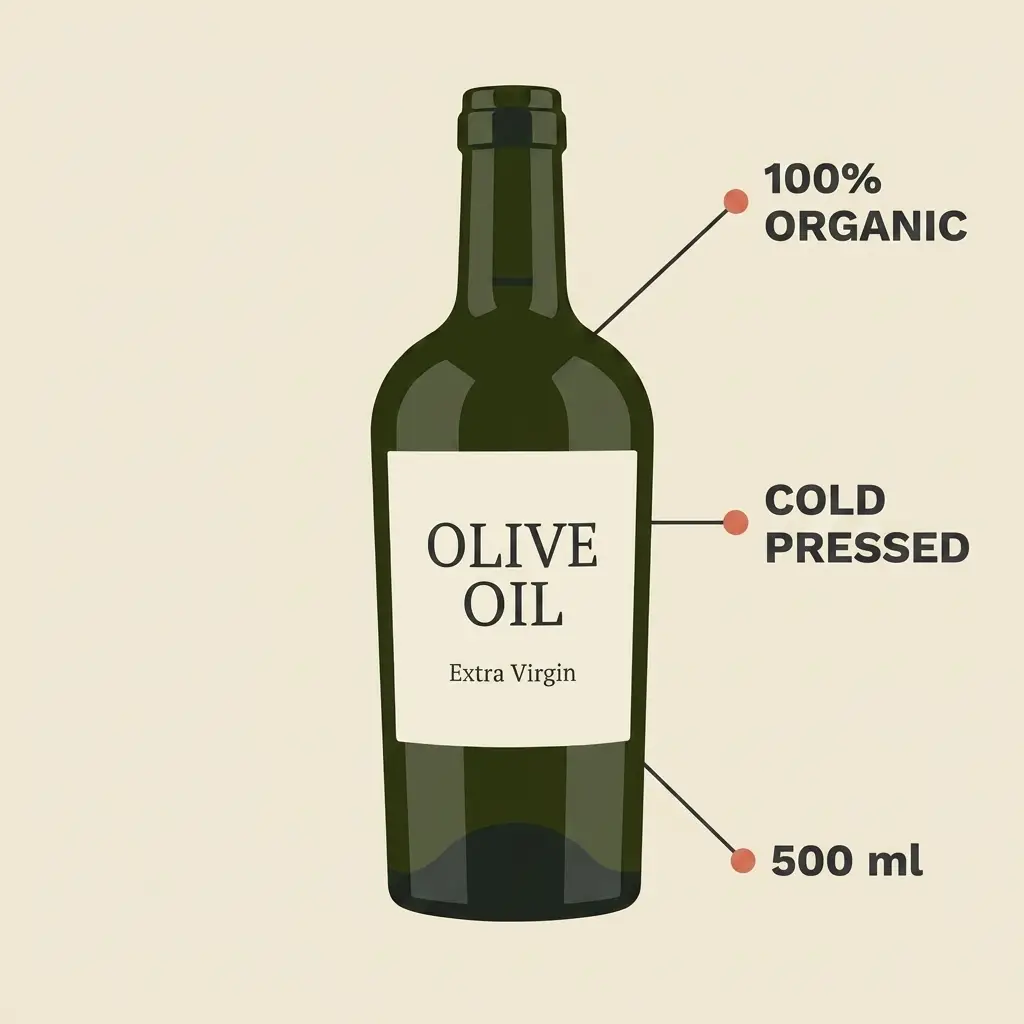
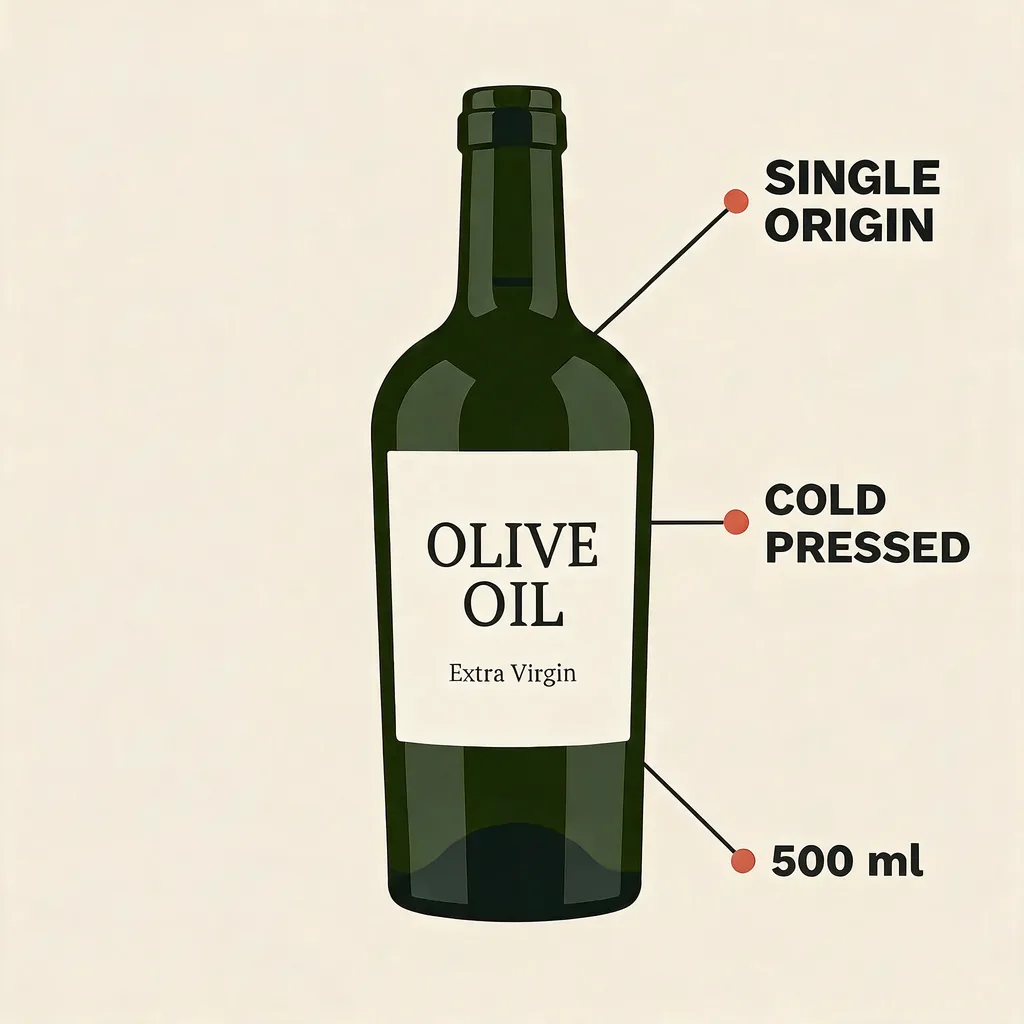
A real pair from this tool: the new words sit in the original serif, not a lookalike.
How it works
PNG or JPG, the finished file. No source files, no fonts, no design tool.
Enter the exact text to swap, or describe the edit in plain words.
Same font, color and layout: only the words you named are different.
Frequently asked questions
No. You never name the font: the image is regenerated so the new text takes on the same typeface automatically, even for fonts you can’t identify.
No. Only the words you specify. Colors, background, other text and layout are preserved; you download the finished image.
Those travel with the original type, so a bold, italic or condensed source keeps its weight and spacing in the edit. Unusual display faces are the hardest case. Retrying is free.
Your first image is free: sign in, no card required. After that, credit packs average $0.46–$0.60 for each finished image.