Translate your product images into Arabic.
Arabic runs right to left and joins its letters as it goes: the exact case hand-editing breaks. Translate the text inside your images in about 90 seconds each, layout untouched.
Right-to-left, cursive-joined script: the case DIY image editors handle worst.
Arabic is where do-it-yourself image editing falls apart. The script runs right to left, letters change shape depending on where they sit in a word, and paste-in tools routinely reverse the order or break the joins, leaving text that a native reader spots as wrong at a glance.
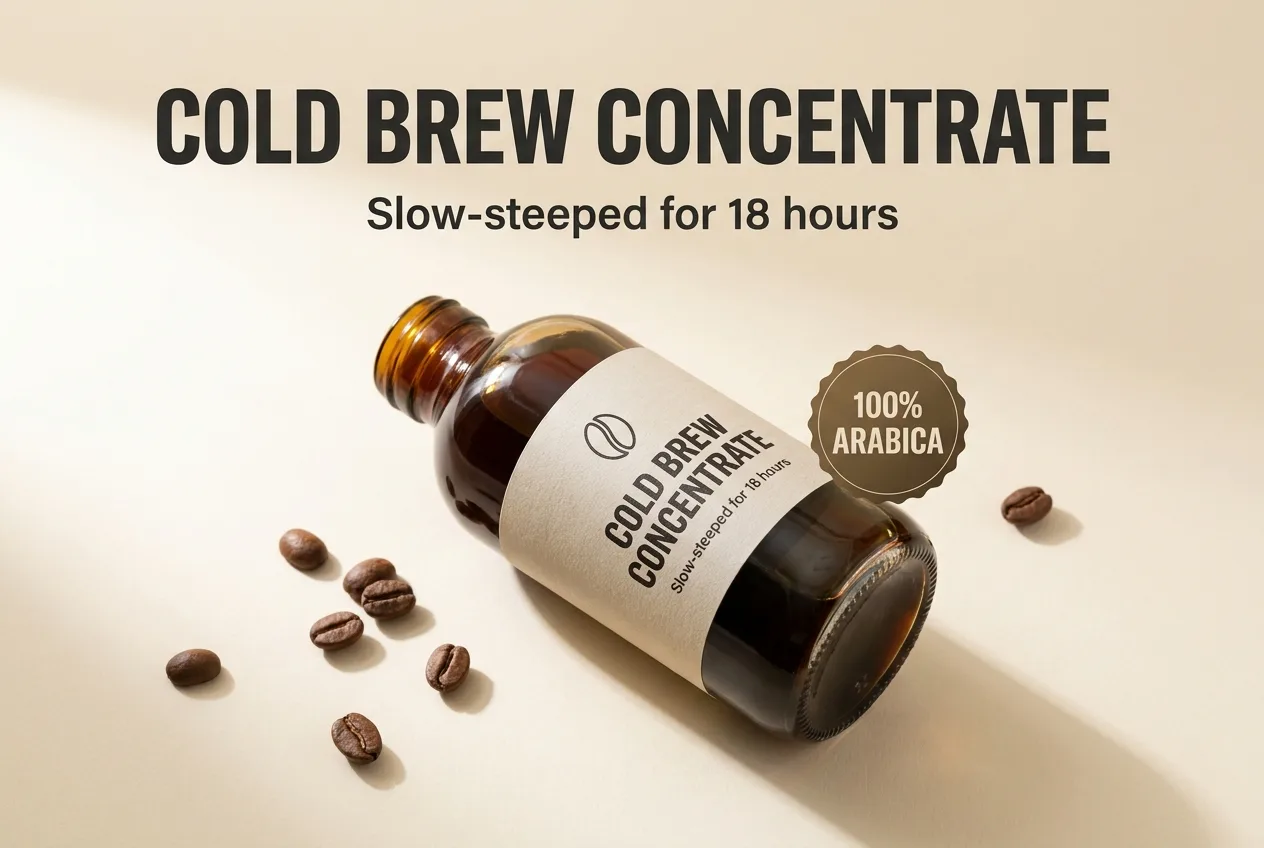
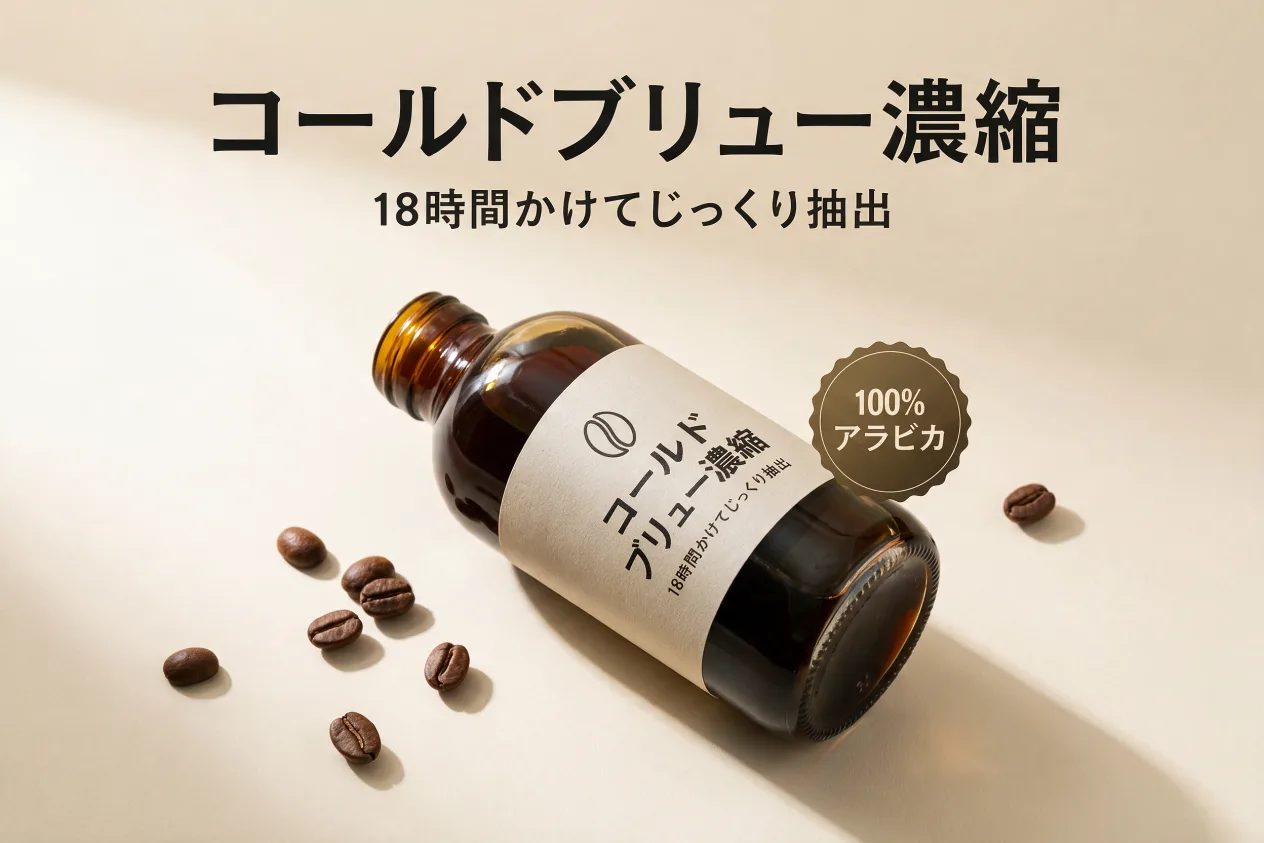
A real pair from this tool: the same infographic translated in place (Japanese shown). Arabic works exactly the same way.
How it works
PNG or JPG, one image or the whole set. No source files, no fonts.
Any of 14, or describe a find & replace in plain words.
Same layout, same font, translated text, ready to upload to your listings.
Frequently asked questions
No. ListingTranslate never connects to a marketplace. You upload images, download the Arabic versions and add them to your listings yourself.
Arabic is rendered natively right-to-left with contextual letter joining. It’s also one of the hardest scripts for in-image text, so review each result, and if an image fails, retrying is always free.
Yes, the image is rebuilt with the Arabic set natively, not pasted in, so the order and joins hold. Check the result, and if an image fails, retrying is always free.
Your first image is free. Sign in, no card required. After that, credit packs work out to roughly $0.46–$0.60 per image.