Translate your product images into Russian.
A large Russian-reading audience shops on Western marketplaces, and Cyrillic product detail wins their trust. Translate the text inside your images in about 90 seconds each, layout untouched.
A wide Russian-reading diaspora is shopping in English they’d rather not.
Russian-speaking buyers are spread across Western marketplaces and Shopify stores worldwide, and they respond to listings that meet them in Cyrillic. An English infographic asks them to translate as they shop: friction that quietly costs the sale.
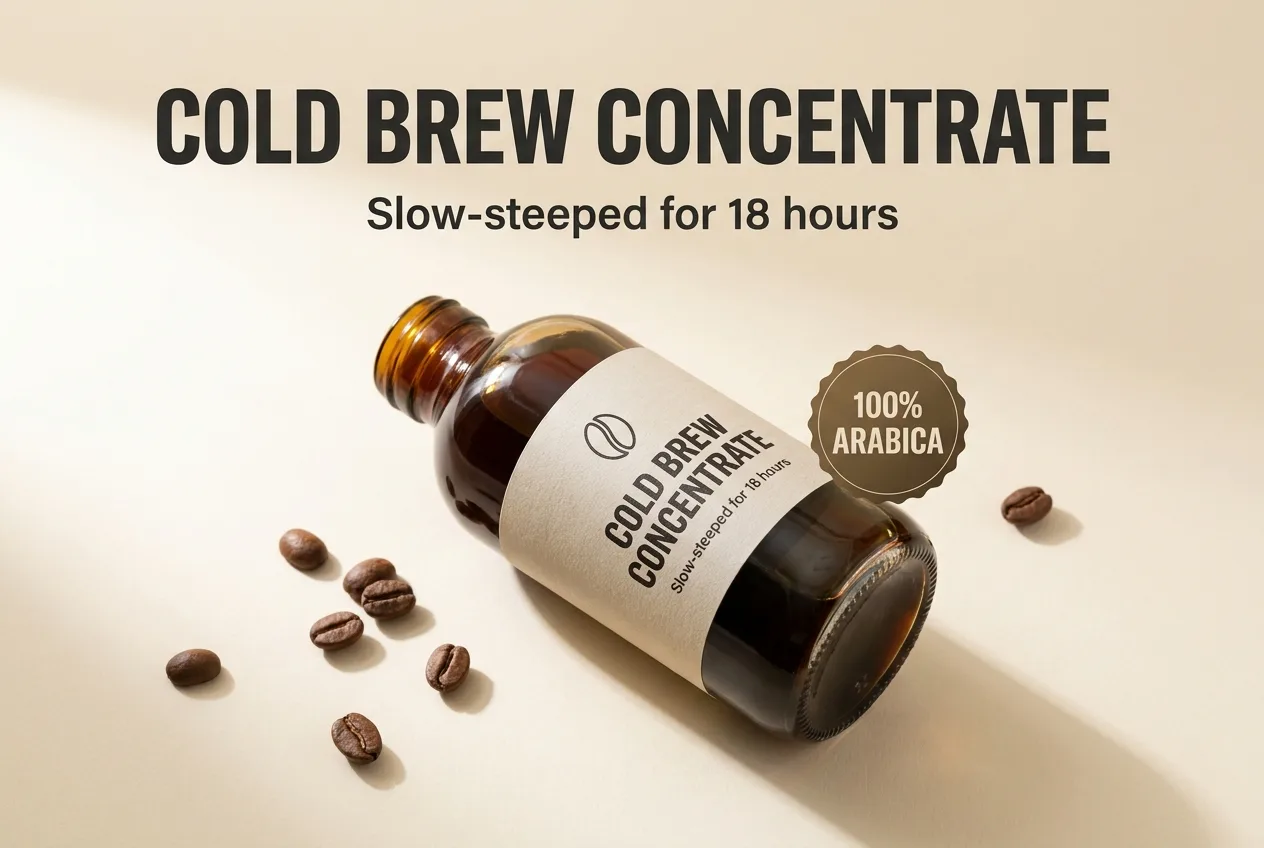
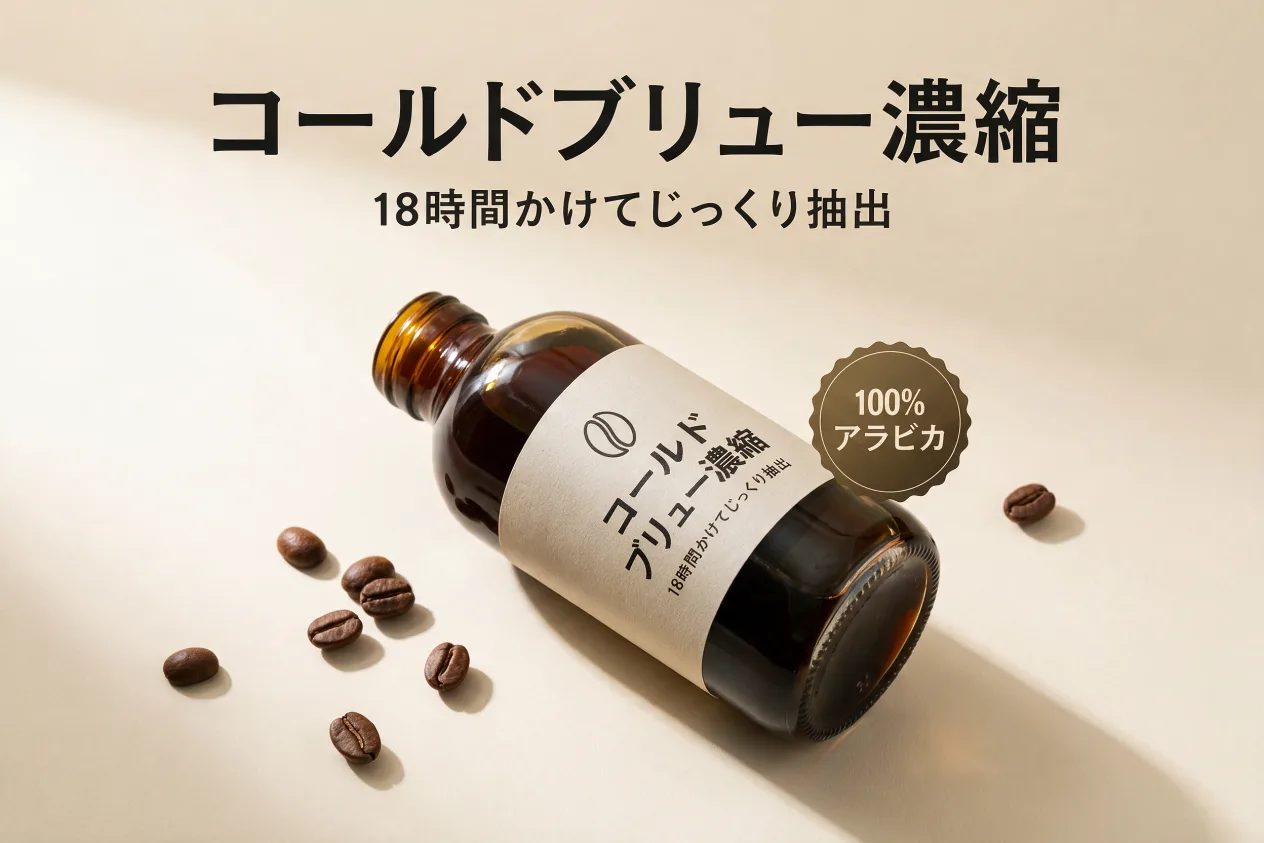
A real pair from this tool: the same infographic translated in place (Japanese shown). Russian works exactly the same way.
How it works
PNG or JPG, one image or the whole set. No source files, no fonts.
Any of 14, or describe a find & replace in plain words.
Same layout, same font, translated text, ready to upload to your listings.
Frequently asked questions
No. ListingTranslate never connects to a marketplace. You upload images, download the Russian versions and add them to your listings yourself.
Yes, the text is set natively in Cyrillic, in the same font, color and position as the original, so it reads like it was designed in Russian.
Yes, only the text changes; font, color, size and position are preserved. If an image fails, retrying is always free.
Your first image is free. Sign in, no card required. After that, credit packs work out to roughly $0.46–$0.60 per image.