Fix garbled text in AI-generated images by describing the fix.
Image generators render text as near-nonsense. There’s no exact string to find and replace, so describe what the words should be, and get them rendered cleanly in the same style.
AI images nail the art and mangle every word.
A generated poster, packaging mockup or logo looks perfect until you read it: the headline is "PREMUIM QUALTY", the sub-line is a smear of invented glyphs, and re-rolling the whole prompt just gives you a different scene with equally broken text.
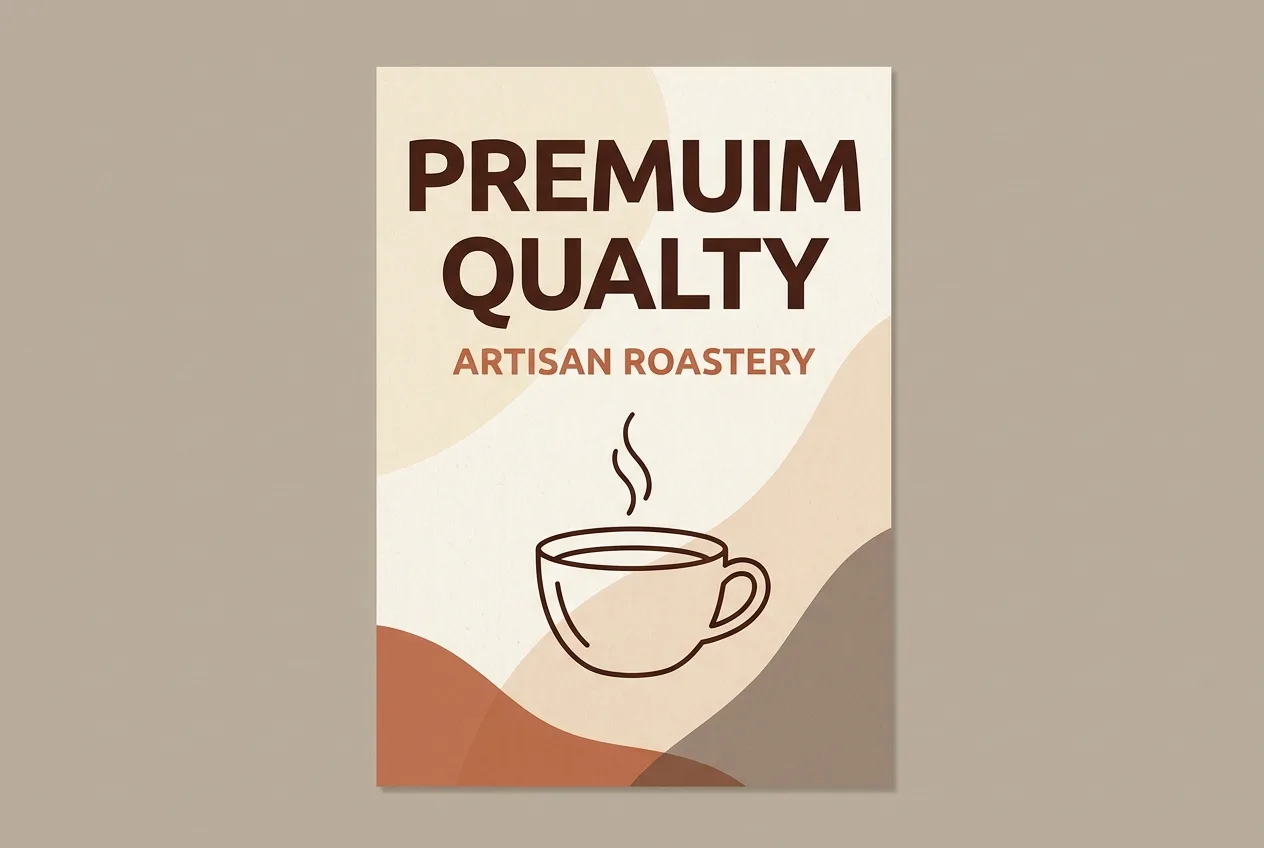
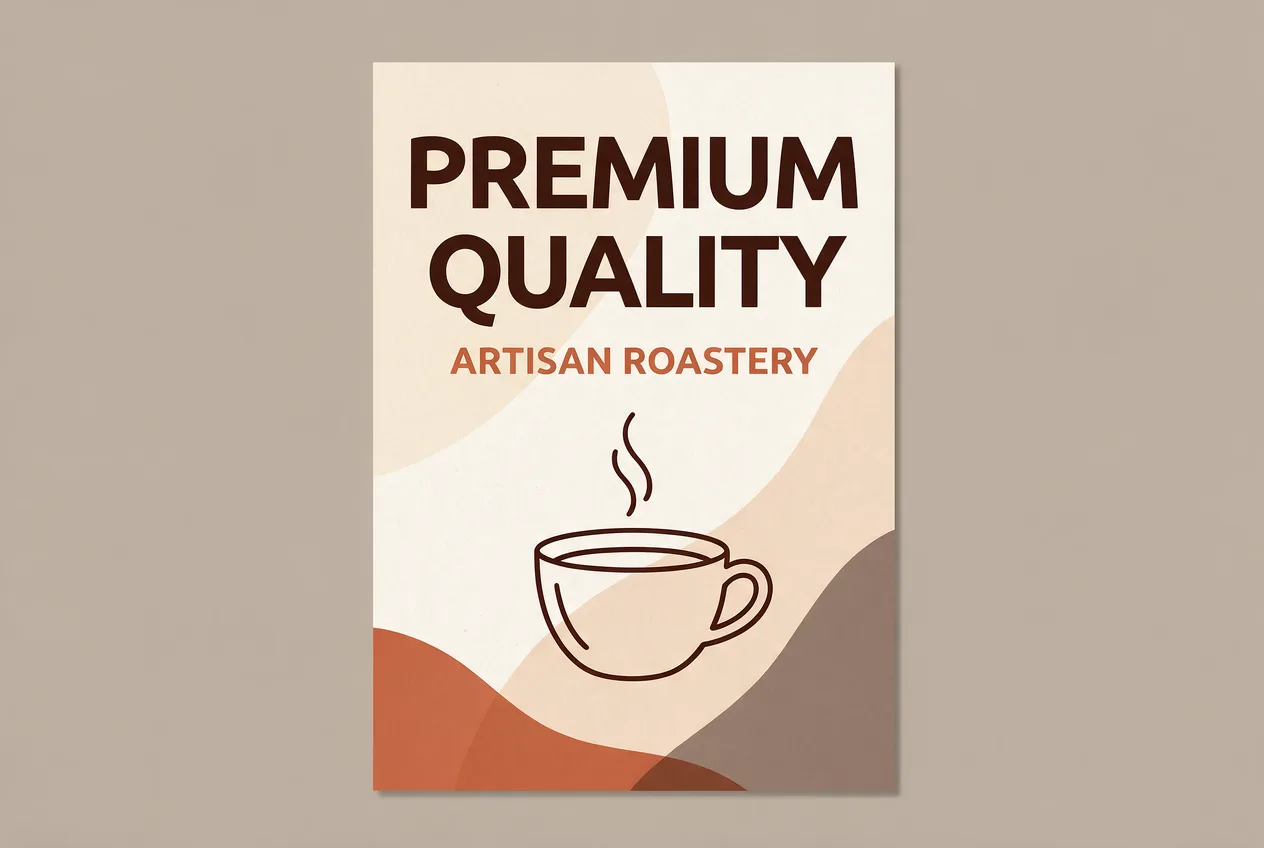
A real pair from this tool: garbled AI lettering rewritten cleanly, the artwork untouched.
How it works
PNG or JPG, the finished file. No source files, no fonts, no design tool.
Enter the exact text to swap, or describe the edit in plain words.
Same font, color and layout: only the words you named are different.
Frequently asked questions
Find & replace needs a real string to match, but garbled AI text has none. Freeform mode lets you describe the correct words instead, so it fits this case where find & replace can’t.
Any of them: Midjourney, DAL·E, Stable Diffusion, Ideogram and the rest. It works from the finished image, so the tool that made it doesn’t matter.
That’s the goal: only the lettering is regenerated, so the scene, palette and lighting the generator produced stay in place.
Your first image is free: sign in, no card required. After that, credit packs cost roughly $0.46–$0.60 per finished image.