Edit the text in a screenshot. There was never a source file.
A screenshot is pixels the instant you take it. Change a label, replace a figure or clean up a name without the mismatched-font look of pasting a box over it.
A screenshot has no layers to edit: just the captured pixels.
Screenshots are how people share software, dashboards and chats, and they always need one edit before sharing: a placeholder name, a real figure to swap for an example, a stale label from an older build of the UI.
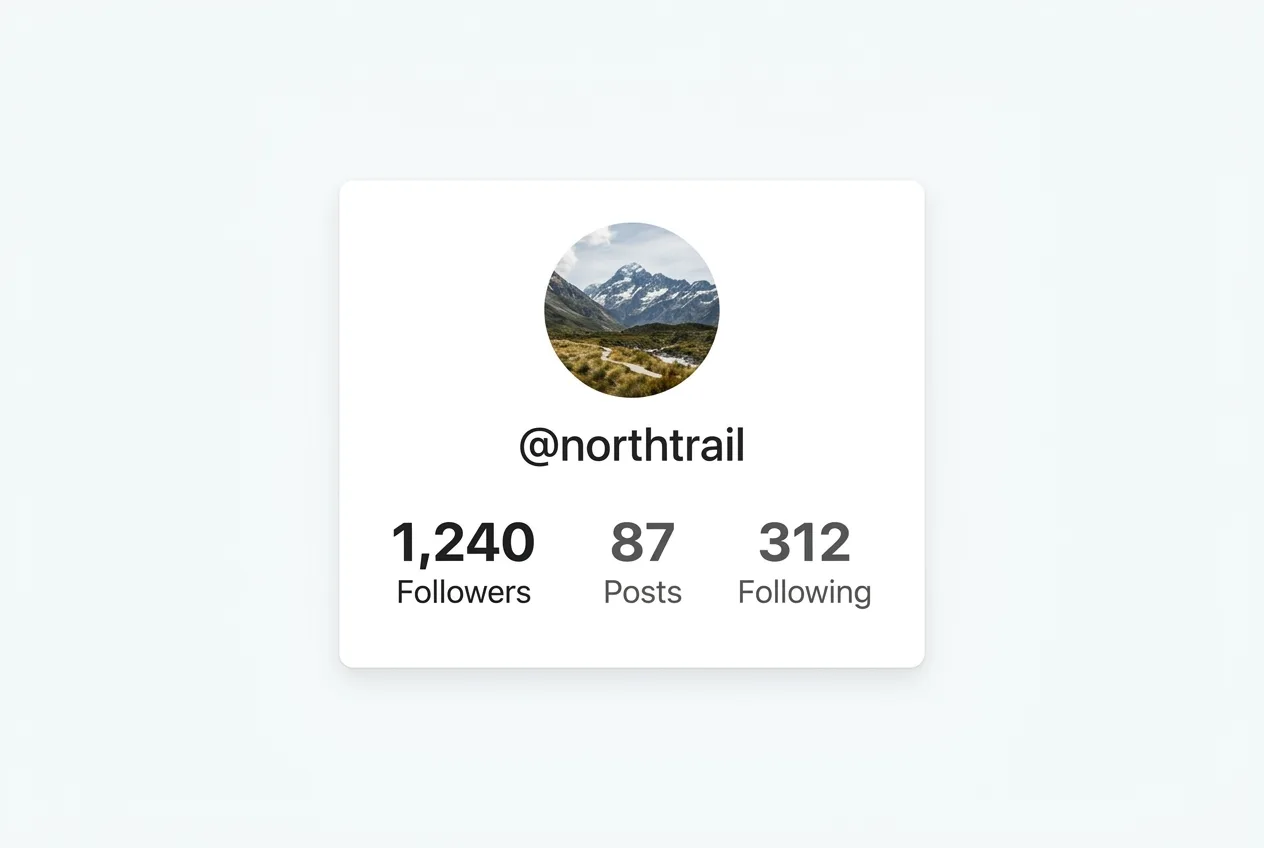
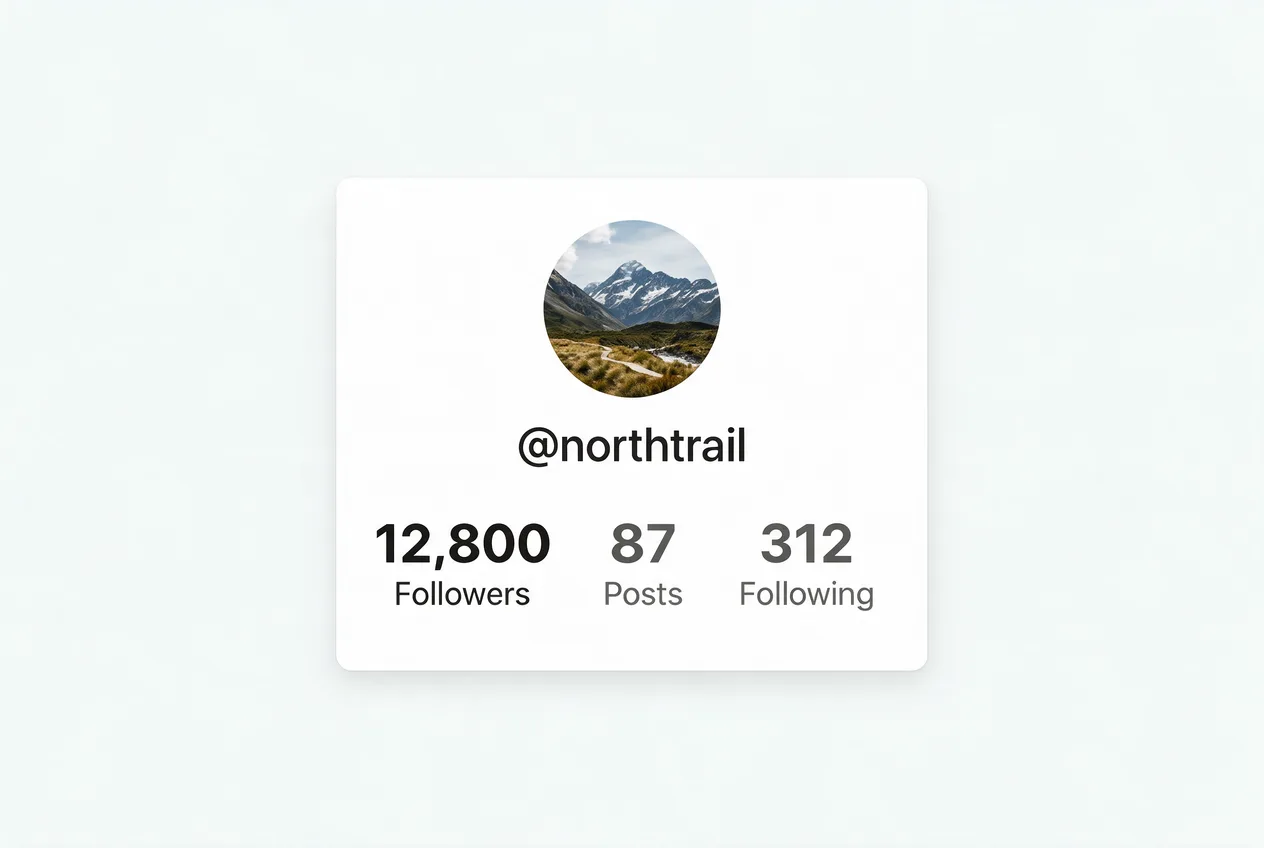
A real pair from this tool: one figure swapped, the interface font and layout intact.
How it works
PNG or JPG, the finished file. No source files, no fonts, no design tool.
Enter the exact text to swap, or describe the edit in plain words.
Same font, color and layout: only the words you named are different.
Frequently asked questions
No. You upload the screenshot and type the text to change. There’s nothing to install and no source file to find.
Yes. Swap a placeholder name for a real one, or an example value for your own, and it renders in the interface’s own font.
Yes. Buttons, icons, colors and layout are preserved; only the words you name change.
Your first image is free: sign in, no card required. After that, credit packs land around $0.46–$0.60 for each image.