Translate your product images into Japanese.
amazon.co.jp buyers expect dense, polished product detail, in Japanese. Translate the text inside your images and get each graphic back in about 90 seconds, layout untouched.
Japan expects thorough product detail, set in Japanese, not English.
amazon.co.jp is one of the most detail-driven marketplaces anywhere: buyers read closely and expect specs, sizing and benefits spelled out. An English infographic doesn’t just lose the sale; it reads as unfinished on a page where everything else is meticulous.
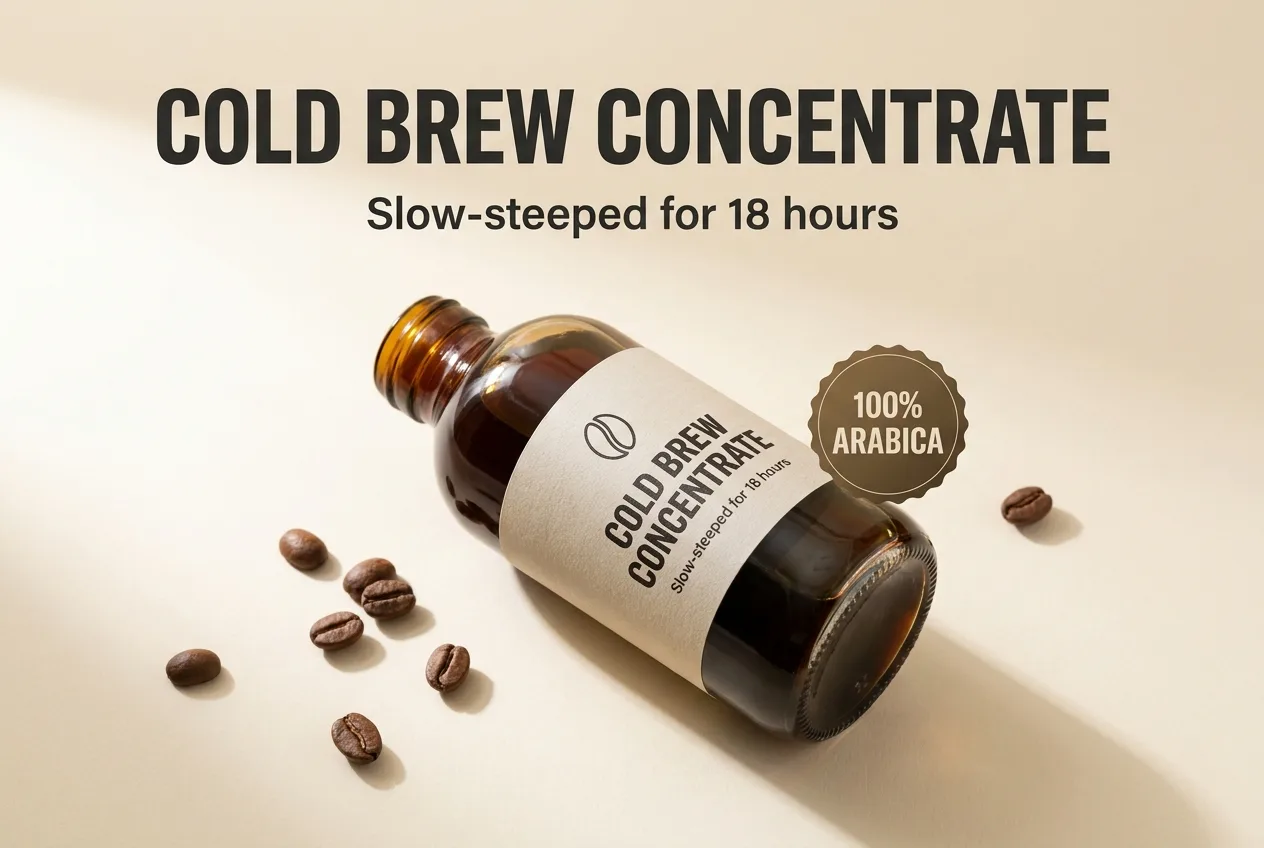
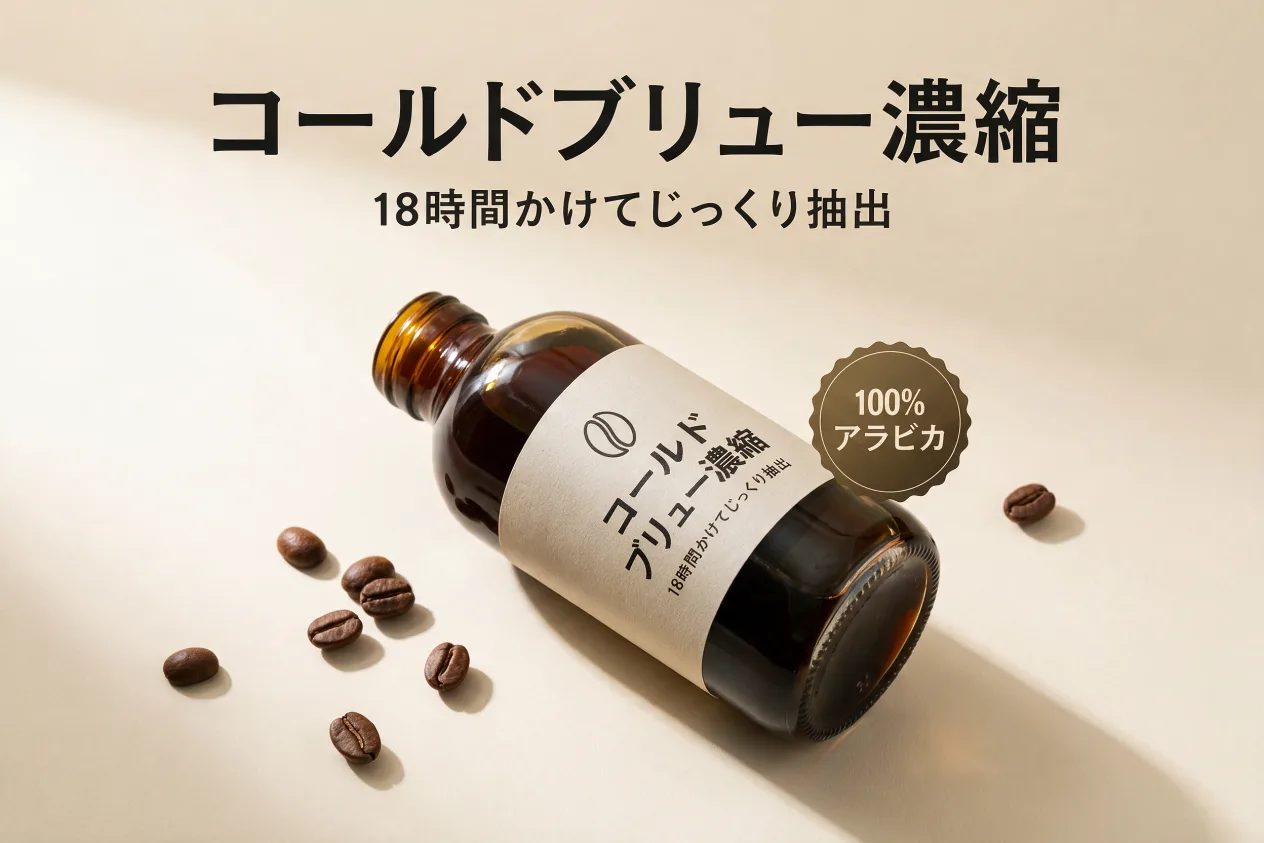
A real pair from this tool: this exact infographic, translated into Japanese in place.
How it works
PNG or JPG, one image or the whole set. No source files, no fonts.
Any of 14, or describe a find & replace in plain words.
Same layout, same font, translated text, ready to upload to your listings.
Frequently asked questions
No. ListingTranslate never connects to a marketplace. You upload images, download the Japanese versions and add them to your listings yourself.
Yes, the text is set natively in Japanese across kanji, hiragana and katakana, in the same font weight, color and position as the original.
Yes, the image is rebuilt whole, so the Japanese text is fitted into the original composition. Check the result, and if an image fails, retrying is always free.
Your first image is free. Sign in, no card required. After that, credit packs work out to roughly $0.46–$0.60 per image.