Translate your product images into Korean.
Korean product pages carry the pitch almost entirely in imagery. Translate the text inside your graphics and get each one back in Korean in about 90 seconds, layout untouched.
In Korea, the product detail page is one long image, and it needs to read in Korean.
Korean e-commerce leans harder on imagery than almost any market: the detail page is often a tall stack of graphics carrying every claim, spec and comparison. When those images are English, a Korean shopper is left with nothing to read.
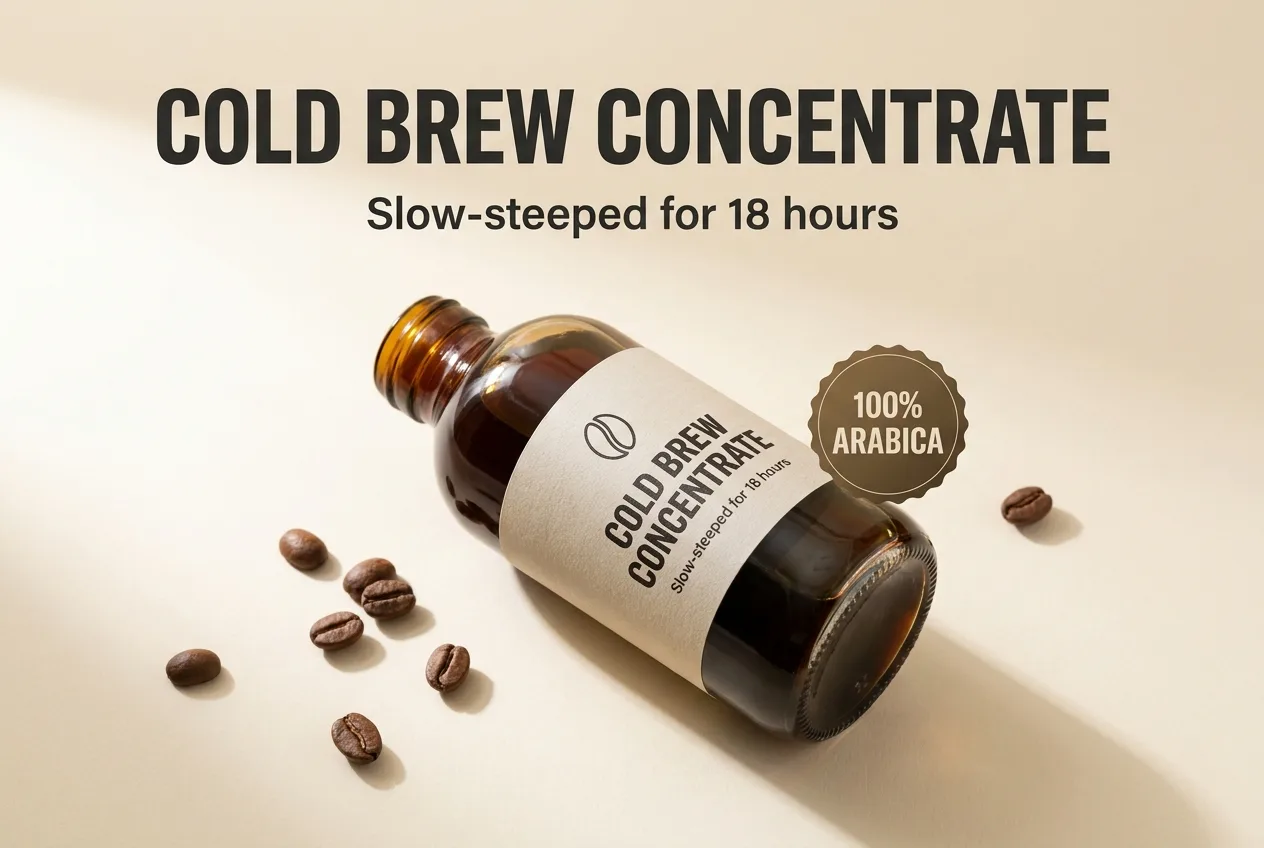
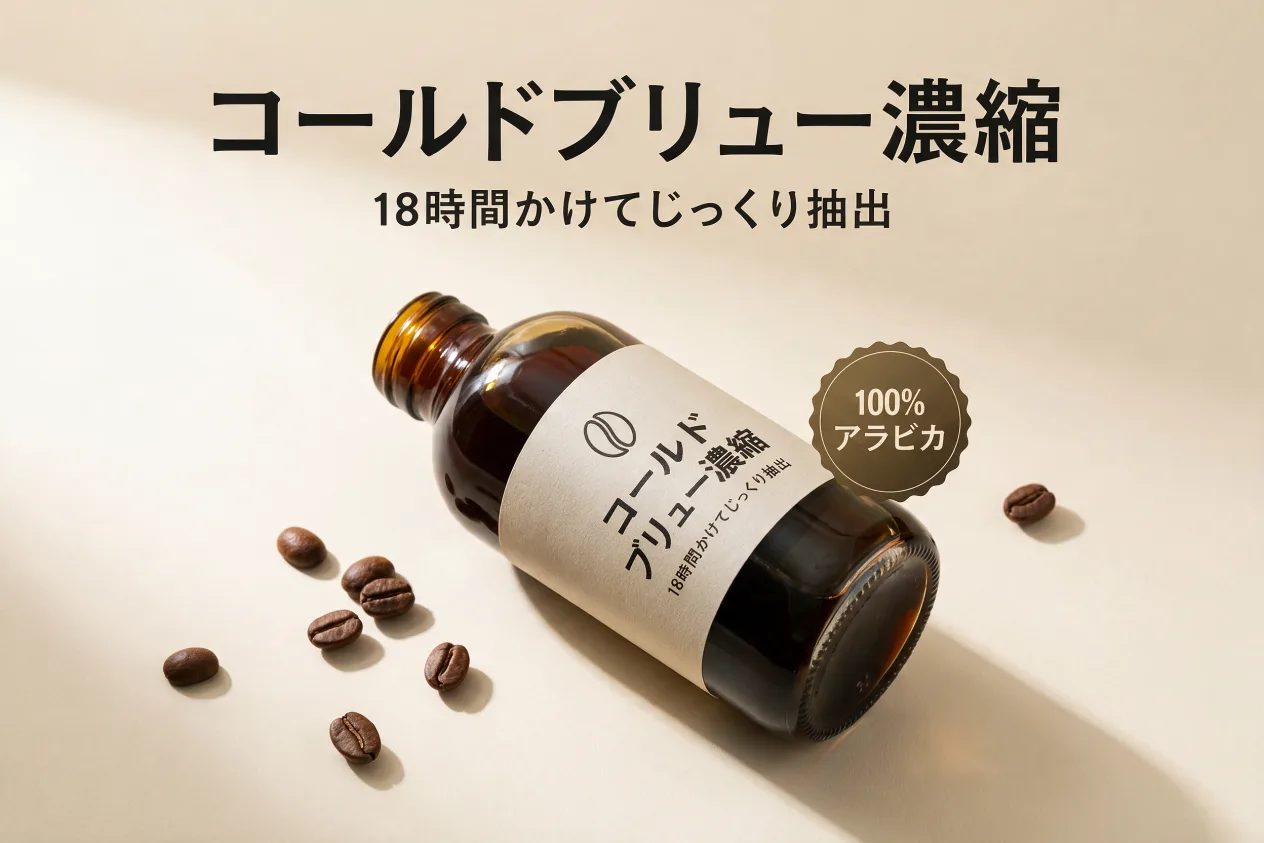
A real pair from this tool: the same infographic translated in place (Japanese shown). Korean works exactly the same way.
How it works
PNG or JPG, one image or the whole set. No source files, no fonts.
Any of 14, or describe a find & replace in plain words.
Same layout, same font, translated text, ready to upload to your listings.
Frequently asked questions
No. ListingTranslate never connects to a marketplace. You upload images, download the Korean versions and add them to your listings yourself.
Yes, the text is set natively in Hangul, in the same font weight, color and position as the original, so it reads like it was designed in Korean.
Yes, batch the whole set and each image is rebuilt with its text in Korean, layout intact. If an image fails, retrying is always free.
Your first image is free. Sign in, no card required. After that, credit packs work out to roughly $0.46–$0.60 per image.